
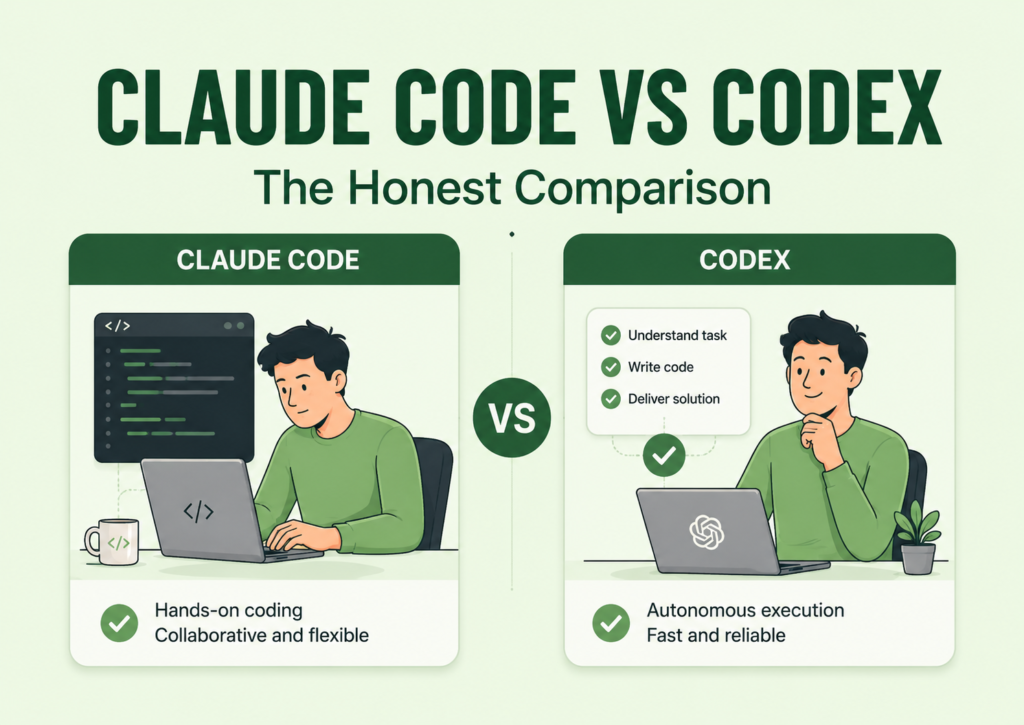
The mistake I made at first was thinking Claude Code and Codex were basically the same thing.
From the outside, it is easy to think that way.
Both are AI coding agents. Both can help you write code, read files, fix bugs, explain errors, create features, and move a project forward with natural language instructions. So if you are just looking at them from a distance, it feels like the only real question is, “Which one is smarter?”
But once you start using them for actual builds, the difference becomes clearer.
The question is not only which one can produce better code. The better question is: which one fits the kind of work you are trying to do right now?
That is where my opinion started to change.
So this is not going to be a fanboy comparison.
I am not trying to prove that Claude Code is better than Codex, or that Codex is better than Claude Code. That kind of comparison is too shallow to be useful.
This is the honest comparison I wish I had before using both.
Claude Code Vs. Codex: What Both Tools Have In Common
Before comparing them, it is important to say this clearly: Claude Code and Codex are both AI coding agents.
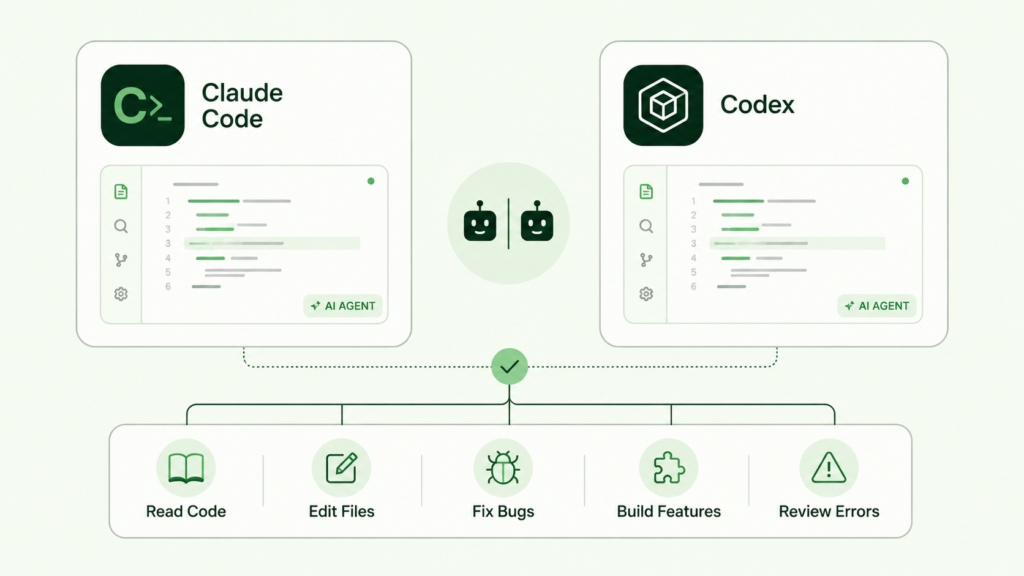
They are not regular chatbots that only explain concepts or generate code snippets you have to copy manually. They can help you work through real development tasks by reading code, understanding files, suggesting changes, editing code, fixing bugs, creating features, reviewing errors, and moving a software project forward through natural language instructions.
That is why comparing them only by asking “which one is smarter?” does not really tell the full story.
Both tools can be useful. Both can save time. Both can also create problems if you give them unclear instructions or ask them to do too much at once.
So the comparison is not about whether one is real and the other is not. They are both serious AI coding agents.
The real difference is how they fit into your workflow.
The Real Difference Is Workflow
The real difference between Claude Code and Codex is not just which one gives better answers.
That is the easy comparison, but it is also the least useful one.
When you are building real projects, the better question is not, “Which one is smarter?” It is, “Which one fits the stage of work I am in right now?”
Because coding work does not happen in one clean straight line. Sometimes you are trying to understand what already exists in the codebase. Sometimes you are fixing a bug. Sometimes you are redesigning a screen. Sometimes you are asking the agent to make a small controlled change. Sometimes you already know exactly what you want, and you just need the tool to execute without turning the whole project upside down.
Those moments do not all feel the same.
And this is where Claude Code and Codex start to separate in real use.
Claude Code can feel more useful when I want a hands-on coding session, where I am working close to the code and moving through changes in a more interactive way. Codex can feel more useful when the task is already clear, the instruction is tight, and I want to hand off a specific piece of work for execution.
That does not mean one is always better than the other.
It means I do not open them for the exact same reason.
This was the shift that made the comparison clearer for me. I stopped thinking of Claude Code and Codex as two tools competing for the same job, and started seeing them as two tools that can fit into different parts of the same building process.
So, for me, the real comparison is not:
“Which one should everyone use?”
It is:
“Which one makes the most sense for the task in front of me?”
Claude Code: Where It Feels Strongest
Claude Code feels strongest when I want a more hands-on, close-to-the-code workflow.
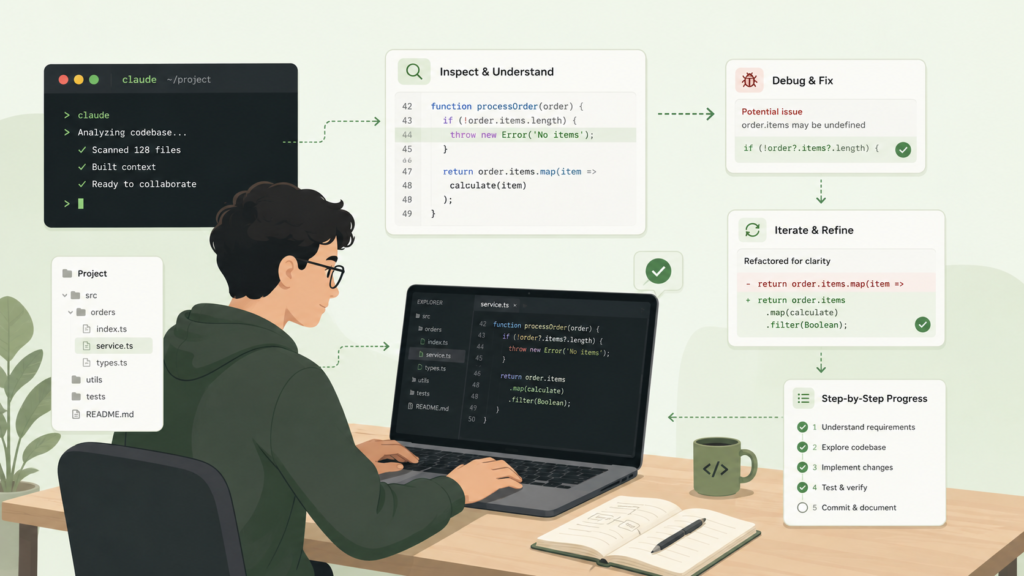
It does not feel like a tool I only open when I want to throw in a task and disappear. It feels more useful when I want to stay inside the development process, inspect what is happening, and move through changes with more control.
For me, Claude Code feels strongest when I need to:
- Work close to the codebase
- Debug something step by step
- Inspect how different files connect
- Make iterative changes
- Review what changed before moving forward
- Clean up messy UI or logic
- Work through a task that may need back-and-forth
- Stay involved while the agent edits, explains, and adjusts
That is the kind of workflow where Claude Code makes the most sense to me.
Not because I want to dump a vague idea into it and hope it figures everything out, but because once the task is clear, it can help me work through the project in a more interactive way.
This is important because some coding tasks are not simple “do this and come back” tasks. Sometimes you need to move carefully. You need to see what the agent changed. You need to adjust the direction. You need to understand why one file affects another. You need to fix one thing without breaking five other things.
That is where Claude Code feels useful.
So if I had to summarize its place in my workflow, I would say:
Claude Code is the tool I am more likely to open when I want to work through the code with the agent, not just hand off a task and wait for a result.
Codex: Where It Feels Strongest
Codex feels strongest when the task is clear and I want flexibility in how I move it forward.

That flexibility is important, because Codex is not only useful for handing off a task and waiting for a result. You can also work closely with it through the CLI or IDE, review what it is doing, ask follow-up questions, and move through a coding task in a more interactive way.
So I would not describe Codex as “less hands-on.”
That would not be accurate.
The better way to describe it is this: Codex works best for me when I already have a strong brief, whether I want to work through that brief interactively or delegate it as a contained task.
For me, Codex feels strongest when I need to:
- Implement A Clearly Defined Feature
- Fix A Specific Bug
- Explain Unfamiliar Code
- Review A Change
- Work Through Code In The CLI Or IDE
- Handle A Contained Build Task
- Suggest Improvements To Existing Code
- Move A Task Forward Across Web, CLI, IDE, Or Cloud Workflows
The keyword here is clear.
Codex can work closely with your code, but it still performs better when the task has boundaries. If the instruction is vague or too broad, it can still drift, overbuild, or touch things that were not part of the original goal.
So I think of Codex as a flexible execution tool.
It can sit close to the code when I want to work through something interactively. It can also handle a more contained task when I already know what needs to be done.
Either way, the quality of the result depends heavily on how clear the instruction is before I start.
Codex vs. Claude Code: Context, Limits, And Pricing Pressure
This is the part of the comparison that people do not talk about enough.
Claude Code and Codex are not just different because of how they behave inside a workflow. They also feel different when you remember that every messy conversation is eating into some kind of limit.
That is why I do not think tool-switching is the real solution.
You can move from Claude Code to Codex, or from Codex to Claude Code, and still run into the same problem if your workflow is unclear. If you use either agent to brainstorm from scratch, clarify vague ideas, correct yourself repeatedly, or ask it to figure out what you actually mean, the frustration will follow you.
The better solution is to protect your usage before you even open the coding agent.
I wrote more deeply about that in my earlier article on The 6-Step AI Coding Workflow That Saves My Codex And Claude Code Limits, but the short version is this:
Do the messy thinking before the coding agent gets involved.
Because once you are inside Claude Code or Codex, the best use of that time is execution. Reading files. Editing code. Fixing bugs. Reviewing changes. Testing ideas. Moving the project forward.
The more clearly you enter the tool, the less you waste.
So when people ask which one is better for limits, my honest answer is that the workflow matters more than the logo on the tool. Both can become expensive or frustrating if you use them for the wrong stage of the work.
Claude Code & Codex: Where Both Tools Can Disappoint You
This is where I think the comparison needs to stay honest.
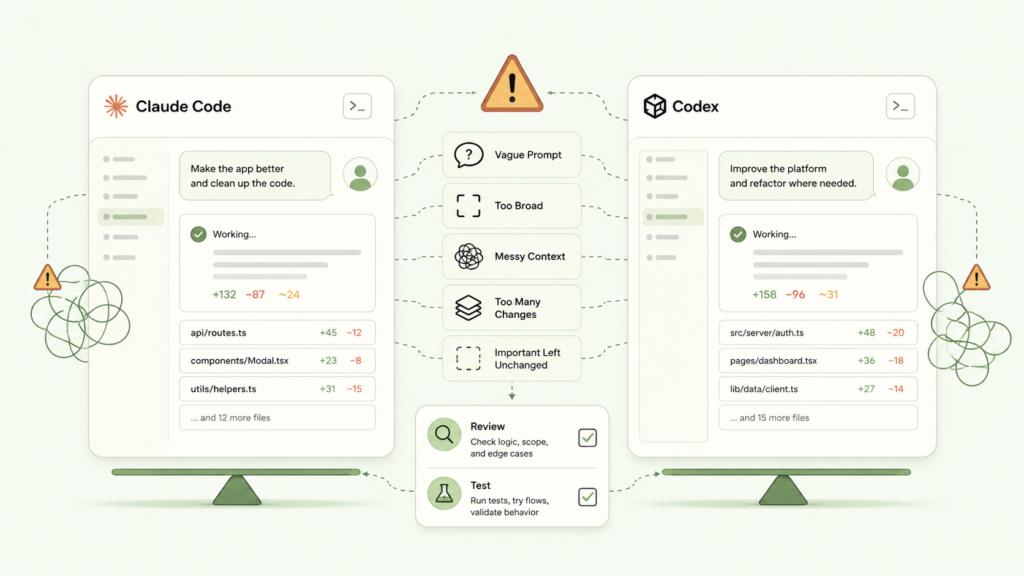
Claude Code and Codex are powerful, but neither of them will save you from a messy workflow. If the task is vague, the context is scattered, or the instruction is too broad, both tools can still give you results that feel impressive at first and frustrating five minutes later.
The problem usually starts before the agent touches the code.
Both tools can struggle when:
- The Prompt Is Vague
- The Task Is Too Broad
- The Project Context Is Messy
- You Ask For Too Many Changes At Once
- You Do Not Define What Should Stay Unchanged
- You Skip Reviewing The Output
- You Fail To Test What The Agent Changed
This is why I do not like comparing them as if one tool is magic and the other is flawed.
A poorly explained task can confuse Claude Code.
A poorly explained task can confuse Codex.
And when that happens, the agent may overbuild, change unrelated files, misunderstand the design direction, fix the wrong thing, or create a feature that technically works but does not match what you had in mind.
That is not always because the tool is bad.
Sometimes, it is because the task was not ready.
So before blaming either tool, I try to ask a better question:
Did I give the agent enough context, enough boundaries, and a clear enough definition of success?
Because if the answer is no, switching from Claude Code to Codex, or from Codex to Claude Code, may not fix the real problem.
My Practical Rule For Choosing Between Claude Code And Codex
My rule is not complicated. I just try to match the tool to the stage of work I am in.
Here is how I think about it:
- If I Am Still Thinking Through The Idea, I Stay In ChatGPT
- If I Want A More Hands-On Coding Session, I Lean Toward Claude Code
- If I Have A Clear Task With A Tight Brief, I Lean Toward Codex
- If The Task Is Large, I Break It Into Smaller Passes
- If The Change Touches Important Logic, I Review And Test Before Moving Forward
- If The Agent Starts Drifting, I Stop And Tighten The Instruction
This keeps the decision simple.
I am not opening Claude Code or Codex because I feel like using one tool that day. I am choosing based on the task in front of me.
That is the real rule: Choose the workflow first, then open the tool that fits the work.
Final Takeaway: Do Not Use Both Tools The Same Way
The mistake is not always choosing the wrong AI coding agent. Sometimes, the bigger mistake is using Claude Code and Codex the exact same way, then expecting them to feel equally useful in every situation.
Both tools are powerful, but they become more useful when you stop treating them like magic boxes and start treating them like different tools inside the same building workflow. The goal is not to crown one winner. The goal is to know which one fits the task in front of you.