
The 6-Step AI Coding Workflow That Saves My Codex And Claude Code Limits
There is a very specific kind of frustration that comes with trying to build with AI coding agents like Claude Code and Codex on a budget.
You have ideas. A lot of them.
You want to test that app idea that has been sitting in your head for weeks. You want to redesign your website. You want to build a small automation. You want to fix that dashboard. You want to keep learning by actually creating things, not just watching tutorials or saving posts about what AI can do.
Then you open Codex or Claude Code, excited to start.
But before the real work even begins, you spend the first part of your session explaining the idea.
Then you clarify it.
Then you correct yourself.
Then the agent misunderstands one part, so you explain again.
Then you ask it to think through the structure with you.
Then you realize the feature is not as clear as you thought, so you keep talking.
And slowly, the limit starts disappearing. That is where the pain really starts.
Because for people who are building on a budget, these limits are not some tiny inconvenience. They affect how much and how fast you can actually create.
The entry plans may feel manageable, but once you need more usage, the price jump can become uncomfortable very quickly. At that point, you are no longer just thinking about building. You are thinking about how much each messy conversation is costing you.
And not everyone using Codex or Claude Code is building a funded startup.
Some people are experimenting.
Some people are learning.
Some people are trying to build a portfolio.
Some people are testing ideas to see what is even possible.
Some people are just trying to get better without throwing too much money at tools they are still learning how to use.
So when your limits run out too quickly, it does not just slow you down; It kills momentum.
I started noticing this in my own workflow too.
The better I got at building with AI, the more I wanted to do. But the more I wanted to do, the faster my limits seemed to disappear. It almost felt like the better I became at spotting what needed to be fixed, improved, redesigned, or rebuilt, the smaller the limit started to feel.
And that forced me to pay closer attention to something most people ignore. The problem is not only that Codex and Claude Code have limits.
The bigger problem is that many of us are using those limits at the wrong stage of the work.
We are spending valuable coding-agent time on the messy part: explaining, re-explaining, clarifying, correcting, organizing, and trying to figure out what we actually mean.
By the time the task becomes clear, a good part of the limit is already gone.
That is the mistake I had to fix. And once I fixed it, building with Codex and Claude Code became a lot less frustrating.
See how I redesigned my entire website in just two hours.
What Codex And Claude Code Actually Are And How You’re Using Them Wrong
Before we go further, I should explain what Codex and Claude Code actually are, because they are not regular chatbots [as most people use them].
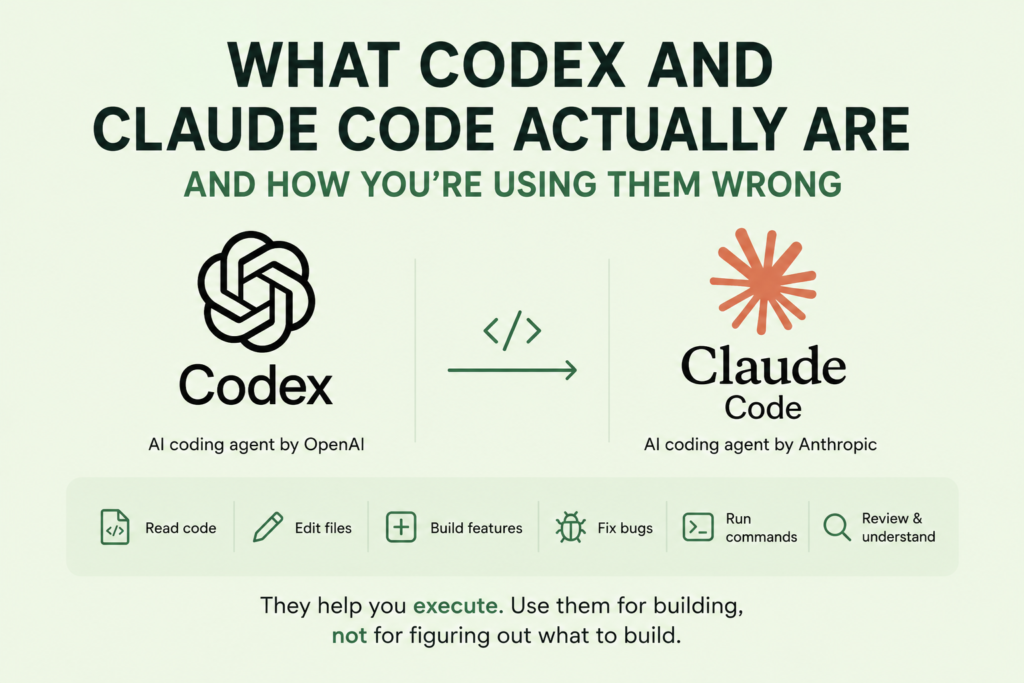
A normal chatbot can answer questions, explain concepts, write code snippets, or help you think through an idea. Codex and Claude Code go further than that. They are AI coding agents, which means they can work more directly with your development environment and help you move through real coding tasks.
They can read parts of your codebase, understand existing files, suggest changes, edit code, create new features, fix bugs, run commands, review errors, and help move a project forward through natural language instructions. In simple terms, you are not just asking them to “tell you what to do.” You are often asking them to help do the work.
That is exactly why their usage matters more.
When you are working with an AI coding agent, you are using a tool that is most valuable when it is executing.
What you do not want is to spend most of that valuable usage trying to explain a half-formed idea from scratch.
That is where many people get stuck. They open Codex or Claude Code before the task is clear, then use the agent to brainstorm, clarify, rethink, and organize the idea.
So the issue is not that you should never talk to Codex or Claude Code. The issue is that you should be careful about what kind of conversation you are having there.
If the conversation is still messy, unclear, exploratory, and full of “wait, no, that is not what I meant,” you are probably using the wrong tool at the wrong stage.
Because by the time the coding agent finally understands what you want, you may have already spent the energy you needed it to use for building.
My Solution: I Separate Planning From Execution
The shift that changed everything for me was simple: I stopped starting inside Codex or Claude Code.
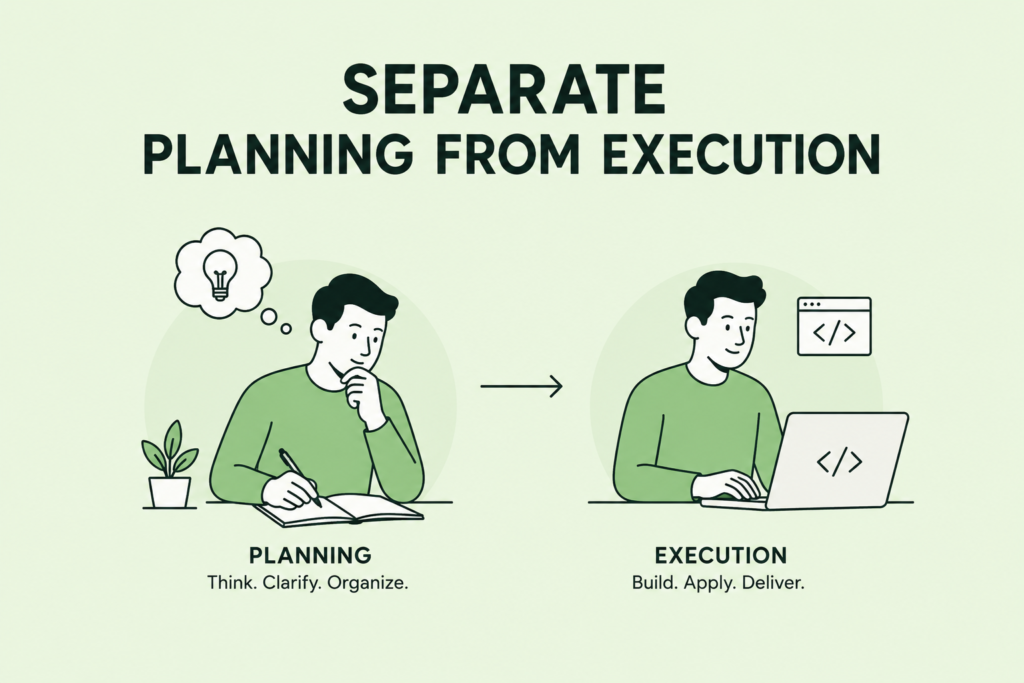
I know that sounds strange because those are the tools that actually help with the build. But that is also the point. If I am going to use a coding agent, I want to use it when the work is ready to be built, not when the idea is still scattered in my head.
So now, my workflow is different.
I start inside ChatGPT.
That is where I do the messy part of the work. I explain the idea. I talk through what I am trying to build. I describe what feels wrong. I share the rough version of the feature. I correct myself when I realize I did not explain something well. I ask questions. I compare options. I let the idea become clearer before I send anything to the coding agent.
Then, when the task finally makes sense, I ask ChatGPT to turn the whole conversation into a detailed execution prompt.
That prompt is what I take into Codex or Claude Code.
This way, I am not opening the coding agent and saying, “Let us figure this out together.”
I am going in with something closer to, “Here is the exact thing I need you to do. Here is the context. Here is what should change. Here is what should stay the same. Here is what I want the final result to feel like.”
That difference matters.
For me, ChatGPT is the planning room. Codex or Claude Code is the execution room.
ChatGPT helps me think, clarify, organize, and shape the instruction. Codex or Claude Code helps me apply that instruction inside the actual project.
The 6-Step Workflow I Use Before Opening Codex Or Claude Code
Before I paste anything into an AI coding agent, I follow a simple six-step process that helps me clarify the task, protect my limits, and make sure Codex or Claude Code spends more time building than guessing.
Step 1: I Create A Dedicated ChatGPT Project For The Build
Before I start any serious build, I create a separate ChatGPT project for it.
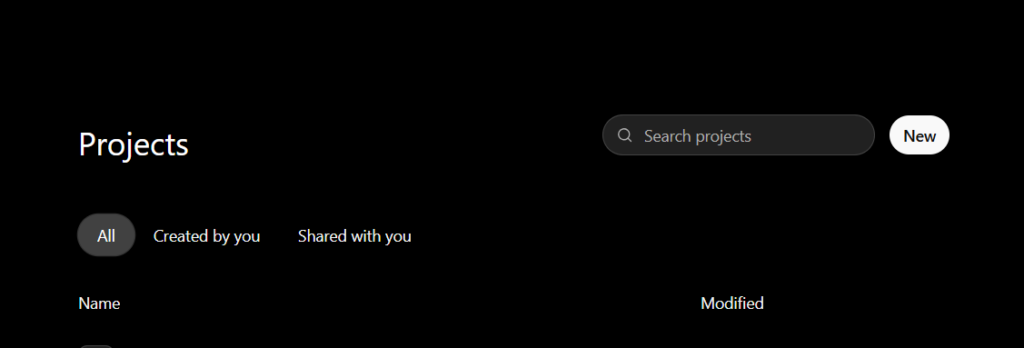
That project becomes the home for everything connected to that work: the original idea, the goal of the app or website, the features I want to build, the user experience I am aiming for, the design direction, screenshots, references, problems I notice, and decisions I make along the way.
This matters because I do not want my project context scattered across random chats.
When everything stays inside one dedicated project, ChatGPT has a better understanding of what I am building and why it matters. So when I later need a prompt for Codex or Claude Code, I am not starting from zero again. The important context is already there.
It becomes the memory base for the build.
And that makes every future prompt easier to create, refine, and send to the coding agent.
Step 2: I Talk Through The Idea Until It Becomes Clear
Once the project is created, I use ChatGPT to unpack the messy version of the idea.

At this stage, I am not trying to sound technical or perfect. I just explain what I am thinking as clearly as I can. Sometimes that looks like:
“I want this feature, but I do not know the best way to explain it.”
Or:
“This screen feels wrong, but I do not know how to describe the fix.”
That is the point of this step.
Instead of taking that rough thought straight into Codex or Claude Code, I let ChatGPT help me shape it first. I explain what I want, ChatGPT reflects it back, and if it gets something wrong, I correct it.
Sometimes the first explanation is not clear enough. Sometimes I realize halfway through that what I actually want is different from what I first said. Sometimes ChatGPT suggests a structure, and I can immediately tell, “No, that is not it. This is what I mean.”
That back-and-forth is useful, but I do not want to spend my coding-agent limits on it.
This is where the messy thinking belongs.
By the end of this step, the vague idea usually becomes much more specific. I know what needs to change, why it needs to change, what should stay the same, and what the final result should feel like.
Once ChatGPT sends me a message that shows it completely understands me, I add that message to the project sources, making it easier for ChatGPT to get complete context on what I am building, even if I am in a different chat within the project.
Step 3: I Ask ChatGPT To Turn The Conversation Into An Execution Prompt
Once the idea is clear, I ask ChatGPT to turn everything we have discussed into a prompt I can paste into Codex or Claude Code.
At this point, I do not want a vague instruction. I want a proper execution brief.
The prompt usually includes the exact task, the current problem, the desired result, the files or screens involved if I know them, what should not be changed, any design or UX requirements, and how the coding agent should approach the work.
If the task is large, I also ask ChatGPT to break it into phases or passes so the coding agent does not try to fix too many things at once.
That is the main goal of this step.
I do not want to enter Codex or Claude Code with a half-formed conversation. I want to enter with a clear brief that tells the agent exactly what to build, fix, review, or improve.
Step 4: I Paste Only The Final Prompt Into Codex Or Claude Code
This is where the workflow starts to pay off.
Instead of opening Codex or Claude Code and saying, “Let us figure out what this feature should do,” I go in with a focused instruction.
The prompt already explains the feature, the problem, the expected behavior, the constraints, and what needs to happen in that specific pass.
That changes the quality of the output because the coding agent is not spending half the session trying to understand what I mean. It can focus on the actual work.
The clearer the prompt is, the less guessing the agent has to do. And the less it guesses, the more of my limit goes into building instead of correcting confusion.
Step 5: I Work In Passes Instead Of Dumping Everything At Once
Even with a good prompt, I try not to ask Codex or Claude Code to fix the entire project in one go.
That is where things can get messy.
Instead, I break the work into smaller passes. One pass may focus on the layout. Another may focus on the logic. Another may clean up the UI. Another may test the changes and catch anything that broke.
This keeps the task controlled.
The coding agent knows what to focus on in that moment, and I can review the result before moving to the next part.
A good AI coding workflow is not one giant prompt that tries to solve everything at once. It is a sequence of clear, focused passes that move the project forward without giving the agent too many chances to break unrelated things.
Step 6: I Bring Results Back To ChatGPT When Needed
After Codex or Claude Code finishes a task, I do not always continue inside the coding agent immediately.
Sometimes I bring the result back to ChatGPT first.
That could be an error message, a confusing explanation, a code diff, a screenshot, or even a summary of what the agent changed. Then I use ChatGPT to understand what happened and decide the next move.
This helps me check if the result actually matches the original goal before I spend more limits pushing forward.
If something is wrong, ChatGPT helps me turn that issue into a cleaner follow-up prompt. If something looks good, it helps me decide the next pass.
That way, ChatGPT remains the control center, while Codex or Claude Code stays focused on implementation.
Why This Also Improves The Quality Of The Output
This workflow saves your limits and improves the quality of what Codex or Claude Code gives back.
When the instruction is clearer, the coding agent has less room to misread what you want. That means fewer random changes, fewer broken layouts, fewer unnecessary edits, and fewer moments where the agent builds something that technically works but does not match the idea in your head.
This is one of the biggest benefits of doing the thinking first.
By the time the prompt gets to Codex or Claude Code, the task has already been shaped. The goal is clearer. The constraints are clearer. The expected result is clearer.
And when the thinking is clearer, the building becomes cleaner.
Good prompting is not about sounding like the most technical person in the room. It is about giving the coding agent enough clarity to execute without guessing.
What This Workflow Will Not Solve
To be clear, this workflow is not magic.
It will not:
- Remove all Codex or Claude Code limits
- Stop every bug from happening
- Turn a weak idea into a strong one automatically
- Replace your need to review what the coding agent changed
- Remove the need to test the final result
- Guarantee that every prompt will work perfectly the first time
- Stop the agent from occasionally misunderstanding something
What it does is reduce waste.
It helps you use your available limit more intentionally. Instead of spending most of your coding-agent usage trying to explain what you mean, you spend more of it on actual execution.
That is the real goal here.
Not perfection.
Better control, better clarity, and less wasted usage.
Final Takeaway: Use The Expensive Agent When The Work Is Ready
Codex and Claude Code are powerful, but they are not where every idea needs to begin.
If the idea is still unclear, start somewhere else first. Think through it. Explain it. Question it. Refine it. Figure out what you actually want the agent to build, fix, or improve before you open the tool that will touch your project.
That is the whole point of this workflow.
You are not avoiding Codex or Claude Code. You are preparing better instructions for them.
When the messy thinking happens first, the execution becomes easier. The prompt is clearer. The task is more focused. The agent has less room to guess. And your limit is more likely to go into actual building instead of repeated clarification.
For me, that is the workflow that saves my limits:
I do the messy thinking in ChatGPT, then send Codex or Claude Code the clean instruction when it is time to build.